Every time I’m working with 3D assets in nuke that I render, I make sure to export a position pass. With the position pass, every pixel on the screen has a certain RGB value that corresponds with a position in 3D space. Nuke then can take the position of that and get a 2D representation of the 3D models/environment and you can generate masks out of that data.
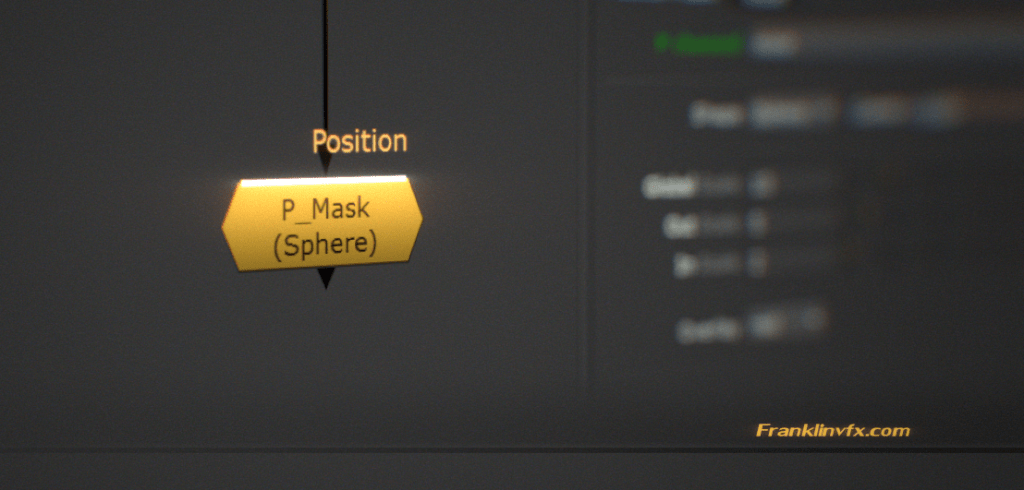
Instead of going to nukepedia to pick up a mask, I go straight to this website to grab the text file to past it directly into the script. It works quickly and has a wonderful 3D view that allows you to see the mask in conjunction with a point cloud of your environment. Highly recommend checking out this node.
 Manning moore
Leave a comment