Recently, I’ve been trying to put together a better workflow from getting 3D tracking data out of Blender’s motion tracker into nuke/fusion. Blender has started supporting the Nuke lens distortion calculations which makes getting the calculated lens distortion much easier to transfer. If you ever spend any time in BlackMagic Design’s Fusion, you know that their lens distortion model is based off of 3DEquilizer. I have yet to figure out the best way to get the lens distortion out of blender and into fusion using the built in lens distortion node. That’s where this post comes in…
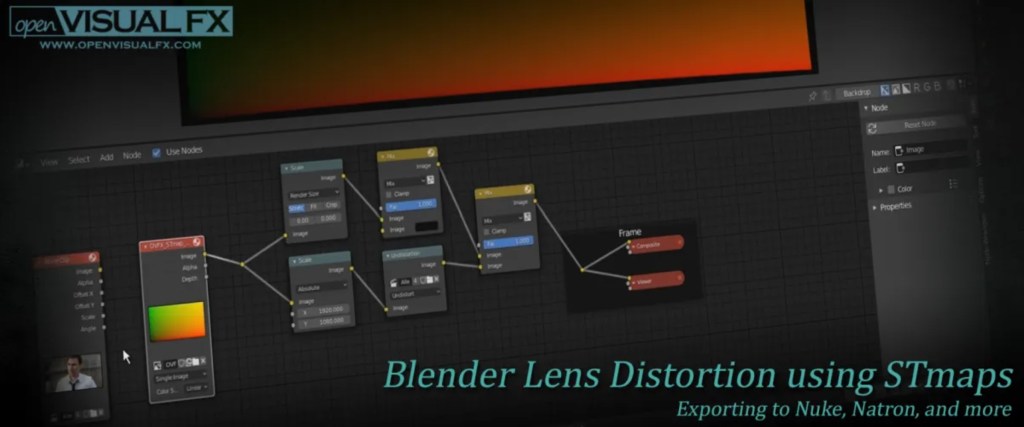
Sean Kennedy from OpenVisual FX has the perfect blog post talking about using blender’s built in lens distortion nodes from its internal calculations to distort an ST map and save that out of blender’s compositing panel. In this link to the article, Sean offers pre-made ST maps to import into blender and distort.
The need to find this process came about while trying to spend as little money as possible putting together a full VFX workflow. With blender being free, that takes care of my need for a 3D package as well as a decent camera tracker and distortion calculator. The Foundry have a free version of Nuke that is amazing to use. I personally use that for my personal/demo reel projects that can stay 1080p in resolution. However, there are some projects that I work on that require a higher resolution to export in. That’s where Fusion comes in. I bought a dongle from B&H in order to not only get Davinci resolve, but as well as Fusion Studio. At least at the time of writing this post, you can purchase this Dongle version of Davinci Resolve and be able to download and use Fusion studio at the same time. So that’s a world class NLE as well as the industry coloring software for just under $400. To me, that is well worth the price. All that’s left is figuring out the best workflow between blender and fusion. As I am figuring out that myself, I wanted to share this article that has helped me with getting lens distortion across the two software’s. I hope this helps anyone out there!
 Manning moore
Leave a comment